 Merijn Schering


GroupOffice now includes a built-in integration that lets you create Microsoft Teams meetings directly from your calendar. This module streamlines scheduling by removing the need to switch between GroupOffice and Outlook/Teams.
Key benefits
- Create Teams meeting links with one click inside any calendar event.
- Keep scheduling, resource booking, and video meetings unified in one system.
- Reduce double work and avoid inconsistencies between calendars.
How it works
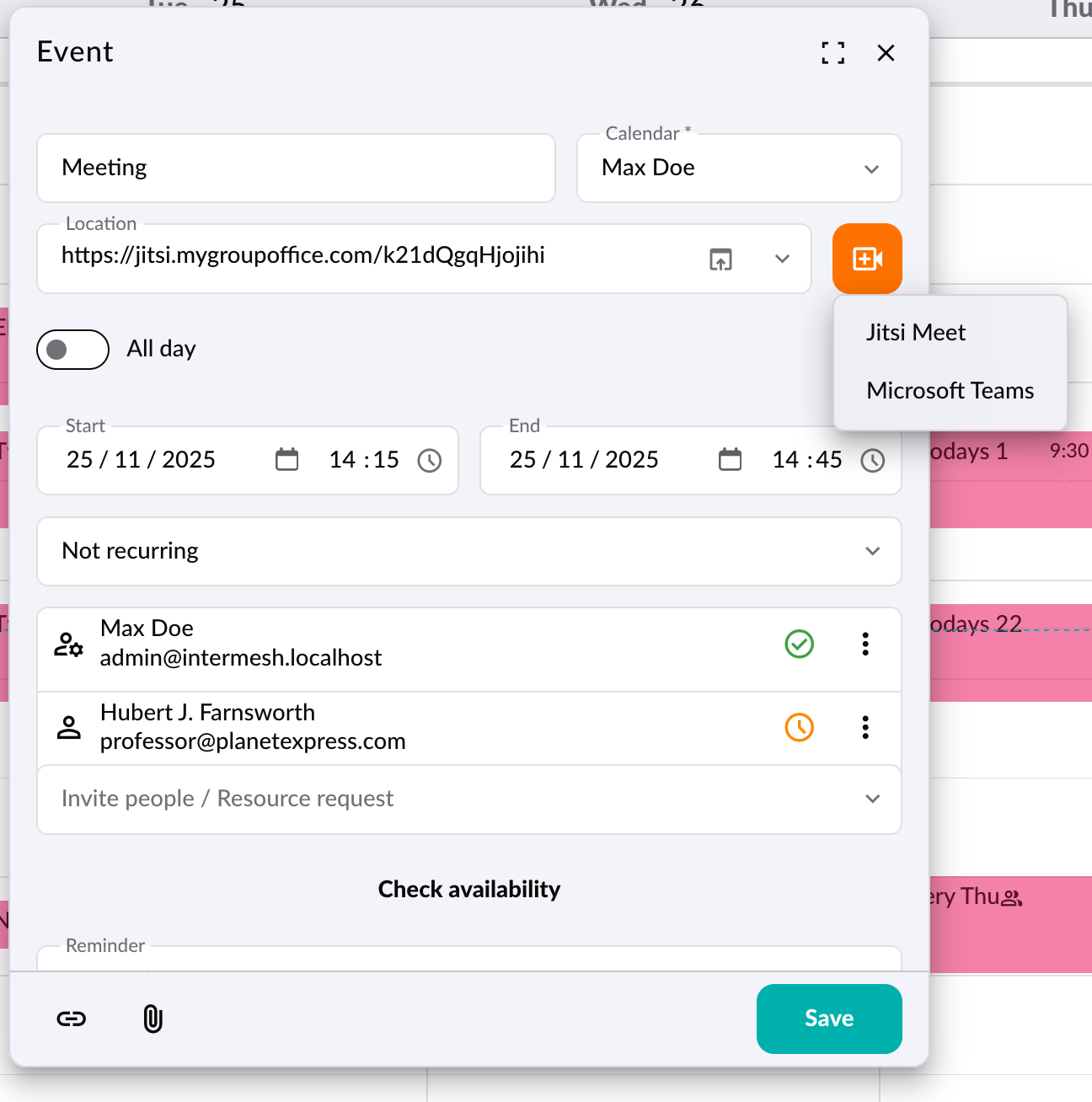
Admins register a small Azure AD application, grant the required Microsoft Graph permissions, create a client secret, and enter these values in the GroupOffice system settings under Microsoft Teams. Once enabled, users will see a camera icon in calendar events. Selecting it instantly adds a unique Teams meeting link.
After completing the Azure setup and configuration in GroupOffice, all users can generate Teams meetings directly from their calendar. It’s a simple addition that significantly improves workflow efficiency for organizations using both GroupOffice and Microsoft Teams.
Get started
We've covered the installation and coniguration in our administration manual:
https://groupoffice.readthedocs.io/en/latest/using/msteams.html