 Merijn Schering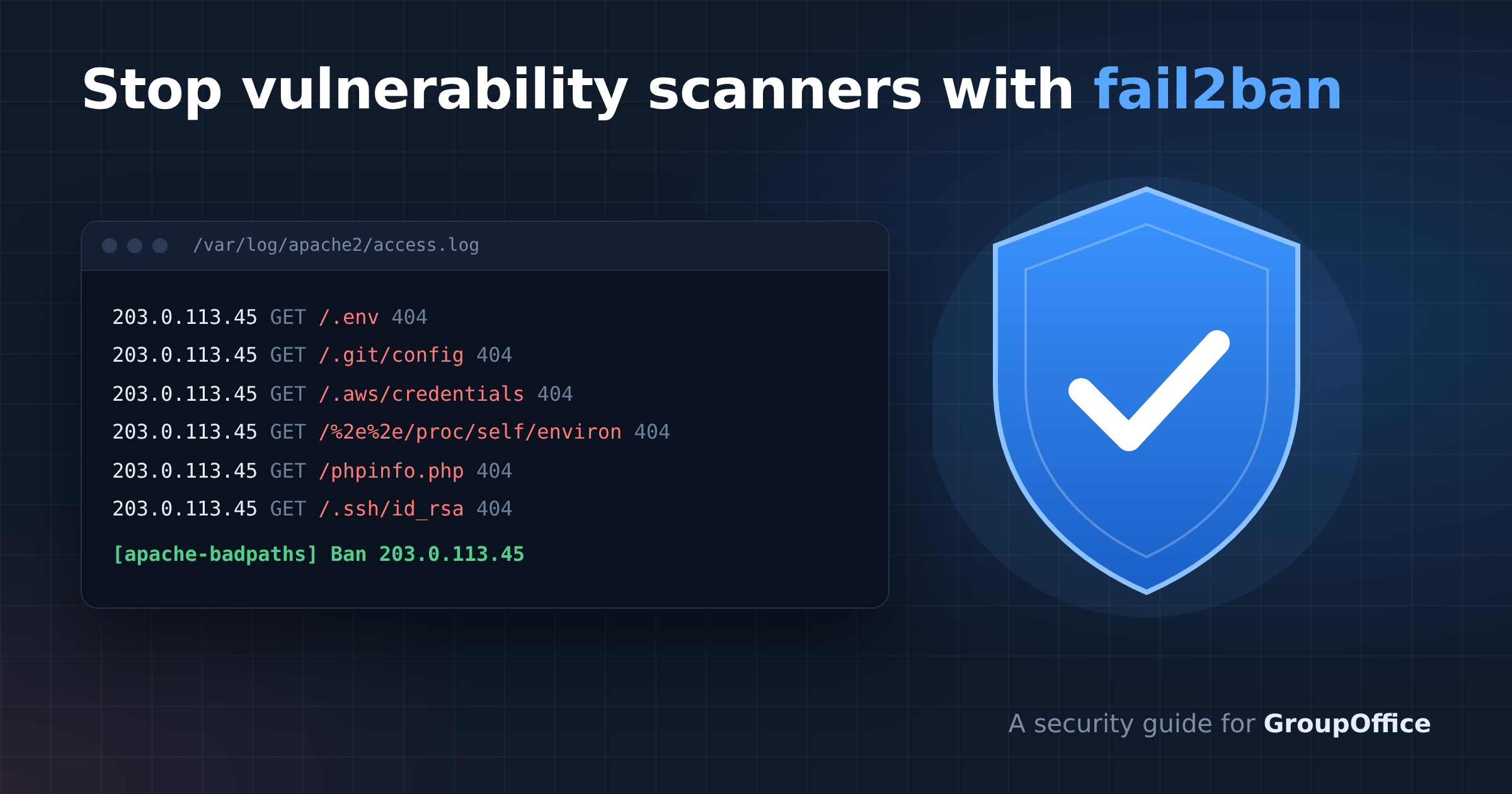


If you run a self-hosted GroupOffice server, take a look at your Apache access log. Chances are you'll find bursts of requests like these:
groupoffice.example.com 203.0.113.45 - - [08/Oct/2026:09:03:06 +0200] "GET /.env HTTP/1.1" 404 236
groupoffice.example.com 203.0.113.45 - - [08/Oct/2026:09:03:06 +0200] "GET /.git/config HTTP/1.1" 404 236
groupoffice.example.com 203.0.113.45 - - [08/Oct/2026:09:03:06 +0200] "GET /.aws/credentials HTTP/1.1" 404 236
groupoffice.example.com 203.0.113.45 - - [08/Oct/2026:09:03:07 +0200] "GET /api/uploads/%2e%2e%2f%2e%2e%2f.env HTTP/1.1" 404 236
groupoffice.example.com 203.0.113.45 - - [08/Oct/2026:09:03:13 +0200] "GET /phpinfo.php HTTP/1.1" 404 236
These are automated vulnerability scanners. They probe every server they can find for leaked configuration files, cloud credentials, Git repositories, debug endpoints and path traversal bugs. One scanner we saw recently sent about 250 requests in under 10 seconds.
None of these requests succeed against GroupOffice, but the sheer volume can still hurt. Every request occupies an Apache worker, and when a few scanners hit at once your server can become slow or unresponsive for the people actually using it.
In this post we'll set up fail2ban on Debian to recognize these scanners in the Apache logs and block them at the firewall within seconds.
The approach
We'll create two fail2ban jails:
- apache-badpaths watches the access log and bans an IP after just 3 requests for paths no legitimate GroupOffice user ever requests, such as
.envfiles,/proc/self/environ,.git, credentials files and../path traversal. - apache-phpnotfound watches the error log and bans an IP that requests many PHP scripts that don't exist. This catches scanners probing paths that aren't on our list.
Why not simply ban on every 404 in the access log? Because GroupOffice clients produce legitimate 404s too. CalDAV, CardDAV and WebDAV clients regularly receive 404 responses as part of normal syncing, and GroupOffice itself returns a 404 from index.php when, for example, a temporary download has expired. Counting those would sooner or later ban your own users.
The Apache error log solves this neatly. When a request targets a PHP script that doesn't exist on disk, Apache writes a line like this:
[client 203.0.113.45:51046] script '/var/www/groupoffice/info.php' not found or unable to stat
GroupOffice's own 404 responses and DAV traffic never produce this line, so we can count it without maintaining any exclusion list.
Install fail2ban
sudo apt install fail2ban
Check your access log format
The bad paths filter assumes the virtual host name comes before the client IP, as in Debian's vhost_combined format (%v:%p %h %l %u %t "%r" %>s %O ...) used for /var/log/apache2/other_vhosts_access.log:
groupoffice.example.com:443 203.0.113.45 - - [08/Oct/2026:09:03:06 +0200] "GET /.env HTTP/1.1" 404 236
If your access log uses the plain combined format with the client IP at the start of the line, remove the \S+ right after the ^ in the failregex line.
Filter 1: obvious exploit probes
Create /etc/fail2ban/filter.d/apache-badpaths.conf:
[Definition]
# Requests for secrets, debug tools and path traversal. Case-insensitive.
# Note: a literal % must be written as %% in fail2ban config files.
failregex = ^\S+ <HOST> \S+ \S+ .*"[A-Z]+ [^"]*(?i:/\.env|\.env\.|/\.git|/\.aws|/\.ssh|/\.npmrc|/\.dockerenv|id_rsa|id_ed25519|proc/self|\.\./|\.\.%%2f|%%2e%%2e|%%2eenv|/@fs/|__vite|terraform\.tfstate|serviceaccount|credentials\.json|service-account\.json|firebase-admin|/actuator|phpinfo|/pi\.php|/info\.php|/test\.php|app_dev\.php|_profiler|_ignition|_debugbar|telescope/|elmah\.axd|trace\.axd|wp-login|wp-admin|xmlrpc\.php|cgi-bin/)[^"]*"

ignoreregex =
Feel free to extend the list with patterns you see in your own logs.
Filter 2: PHP scripts that don't exist
Create /etc/fail2ban/filter.d/apache-phpnotfound.conf:
[Definition]
# Apache logs this only when the requested PHP script does not exist on disk.
failregex = \[client <HOST>(?::\d+)?\] .*script '[^']*' not found or unable to stat

ignoreregex =
The jails
Create /etc/fail2ban/jail.d/apache-scanners.conf:
[DEFAULT]
# Add your office and monitoring IPs so you never lock yourself out
ignoreip = 127.0.0.1/8 ::1

# Repeat offenders get increasingly longer bans
bantime.increment = true
bantime.maxtime   = 4w

[apache-badpaths]
enabled  = true
backend  = auto
port     = http,https
filter   = apache-badpaths
logpath  = /var/log/apache2/*access*.log
maxretry = 3
findtime = 10m
bantime  = 1d

[apache-phpnotfound]
enabled  = true
backend  = auto
port     = http,https
filter   = apache-phpnotfound
logpath  = /var/log/apache2/*error*.log
maxretry = 10
findtime = 1m
bantime  = 6h
By default a ban blocks only ports 80 and 443. If you'd rather cut banned scanners off from your server entirely, add banaction = nftables-allports to both jails.
Test before you activate
fail2ban-regex runs a filter against an existing log file without banning anything:
sudo fail2ban-regex /var/log/apache2/other_vhosts_access.log /etc/fail2ban/filter.d/apache-badpaths.conf
sudo fail2ban-regex /var/log/apache2/error.log /etc/fail2ban/filter.d/apache-phpnotfound.conf
Add --print-all-matched to see exactly which lines match. Check that no normal GroupOffice traffic from your users appears in the output.
Activate
sudo systemctl reload fail2ban
sudo fail2ban-client status apache-badpaths
sudo fail2ban-client status apache-phpnotfound
The status output shows the number of failures counted and the IPs currently banned.
Managing bans
fail2ban stores its bans in a database, linked to the jail name. When you change a filter later and reload, active bans stay in place and are restored for their remaining time. You don't need a full restart; reloading a single jail is enough:
sudo fail2ban-client reload apache-phpnotfound
If a legitimate user does get banned, you can lift the ban right away:
sudo fail2ban-client set apache-phpnotfound unbanip 203.0.113.45
To see which IPs currently have the most connections to your server, for example during an attack, this one-liner helps:
ss -tn state established | awk 'NR>1 {sub(/:[0-9]+$/,"",$4); print $4}' | sort | uniq -c | sort -rn | head -20
Wrapping up
With these two jails in place, a scanner typically gets banned within a second or two of starting its run, long before it can tie up your Apache workers. Keep an eye on fail2ban-client status for the first few days, add your own IPs to ignoreip, and extend the bad paths list as new scanning patterns show up in your logs.
Running GroupOffice yourself and have questions about securing your installation? Contact us.