 Merijn Schering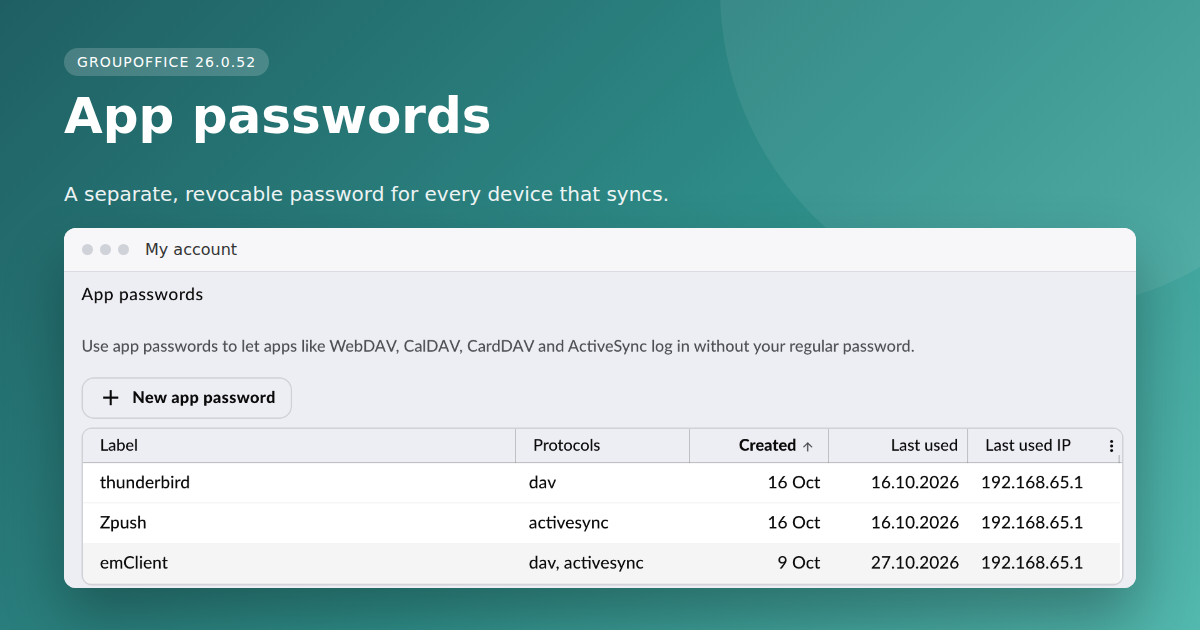


GroupOffice 26.0.52 introduces app passwords: separate, revocable passwords for your phone, tablet and desktop sync clients. Your main password stays in the web interface, and each device gets its own key.
Why app passwords?
Calendar, contacts and mail apps sync over CalDAV, CardDAV, WebDAV and ActiveSync. These protocols store your password on the device and can't ask for a second factor. Until now that meant every device held a copy of your main password, and a lost phone meant changing it everywhere. App passwords fix that without breaking the sync clients you already use.
How it works
You create an app password per device and give it a name, such as "iPhone calendar". Each one is limited to the protocols you select: CalDAV, CardDAV, WebDAV or ActiveSync. If a device goes missing, revoke its password and your other devices keep syncing. App passwords are stored hashed and shown only once, when you create them.
Enforcing app passwords
Administrators can enforce app passwords. Sync clients then only accept an app password, and the main password works in the web interface only.
Enforcement is on by default for new installations. When you upgrade an existing installation it stays off, so current devices keep syncing. Once your users have moved their devices over, you can switch it on.
Getting started
- In GroupOffice, open My Account > Account and go to the App passwords section.
- Add a new app password and give it a recognisable name.
- Select the protocols this device needs.
- Copy the generated password into your sync client, using your normal GroupOffice username.
- Revoke it from the same screen when the device is retired or lost.
Available now
App passwords are included in GroupOffice 26.0.52 and later. Self-hosted installations get the feature by upgrading to the latest release; GroupOffice cloud customers already have it.
Questions or feedback? Let us know through support or on GitHub.