Collabora Office
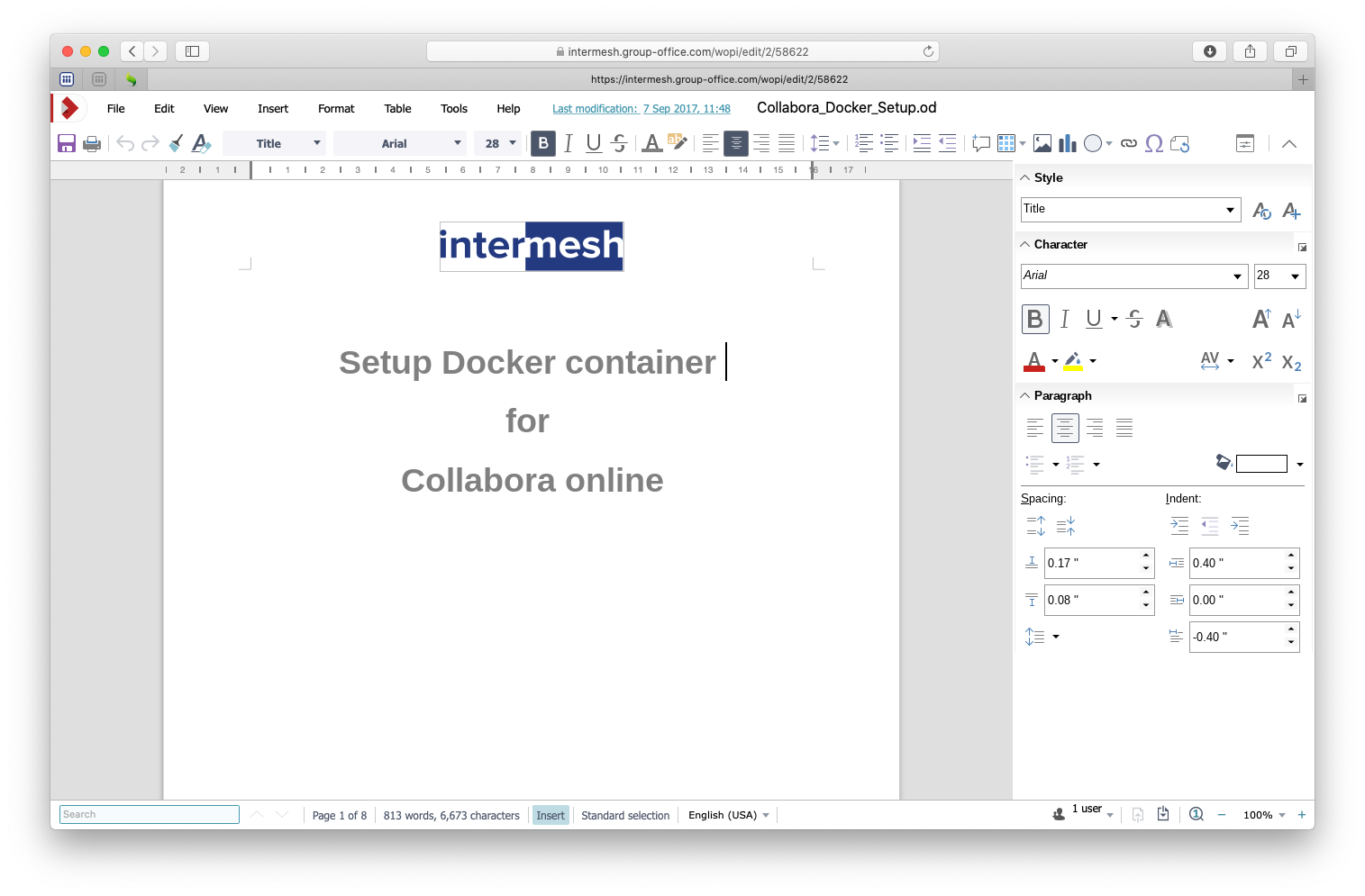
With Collabora Office you can edit office documents in your browser. You need a working Collabora Office server. You can find more info on https://www.collaboraonline.com/collabora-office/
Install the Office Online module from the Business package at System Settings -> Modules.
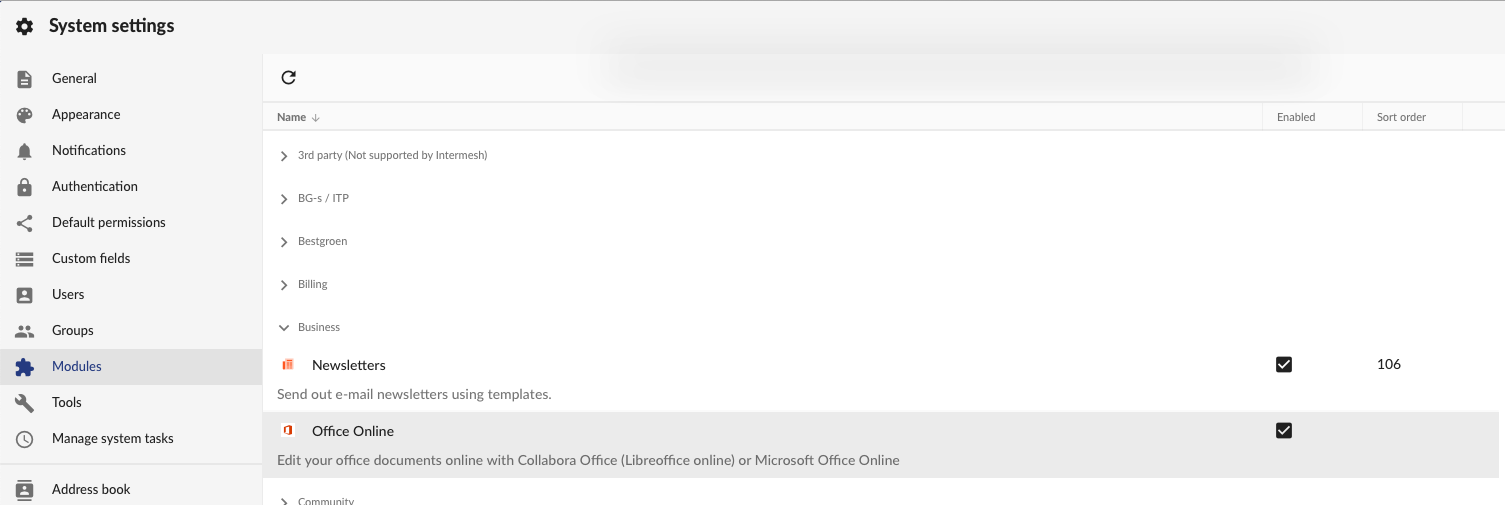
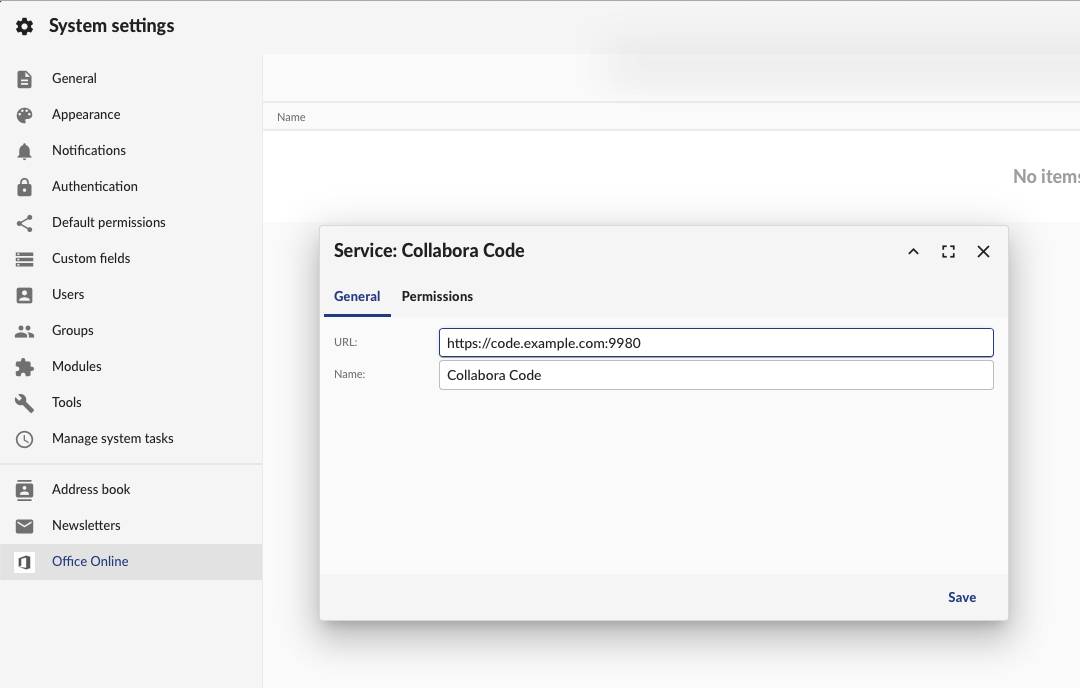
Reload Group-Office and go to System Settings -> Office Online.
Then add your Collabora Office Service. The default port for Collabora Office is 9980. But with the reverse proxy setup above we’re using the standard SSL port so it’s not necessary to specify it.
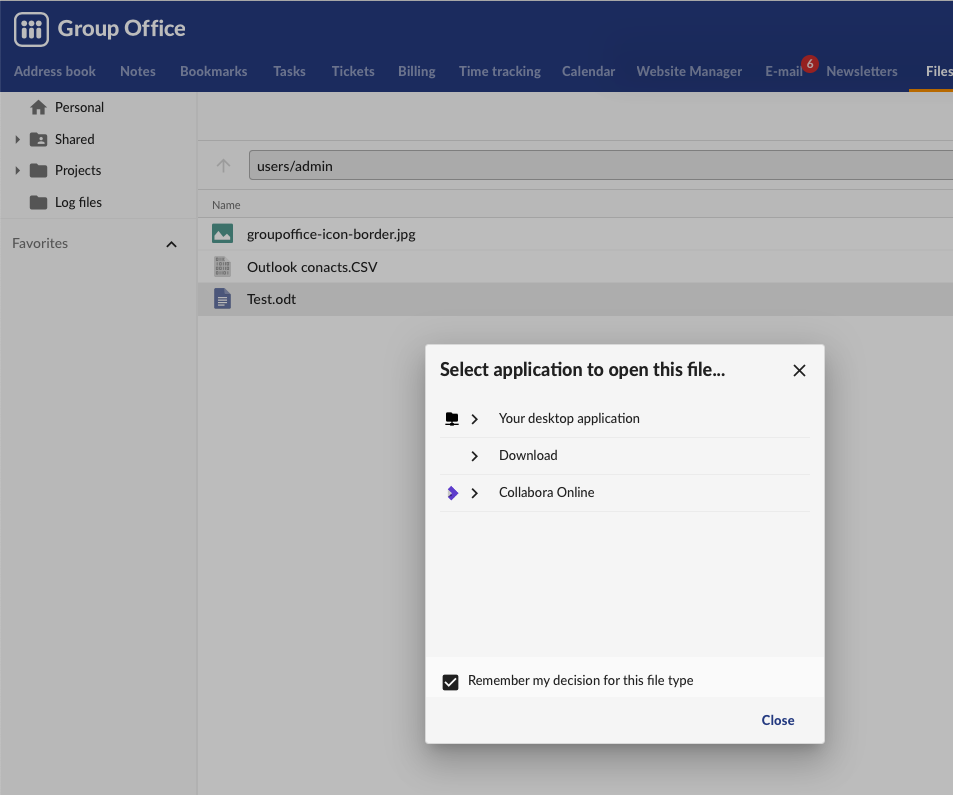
Now you can open a document in the files module with LibreOffice by right clicking on a file and choose ‘Open with…’.
Note
If you get a 404 error when editing because /wopi is not found then you probably are missing the alias in your webserver configuration. The Group-Office Debian and Docker packages automatically create this but with the tarball package you have to do this manually. Example configuration can be found here.